
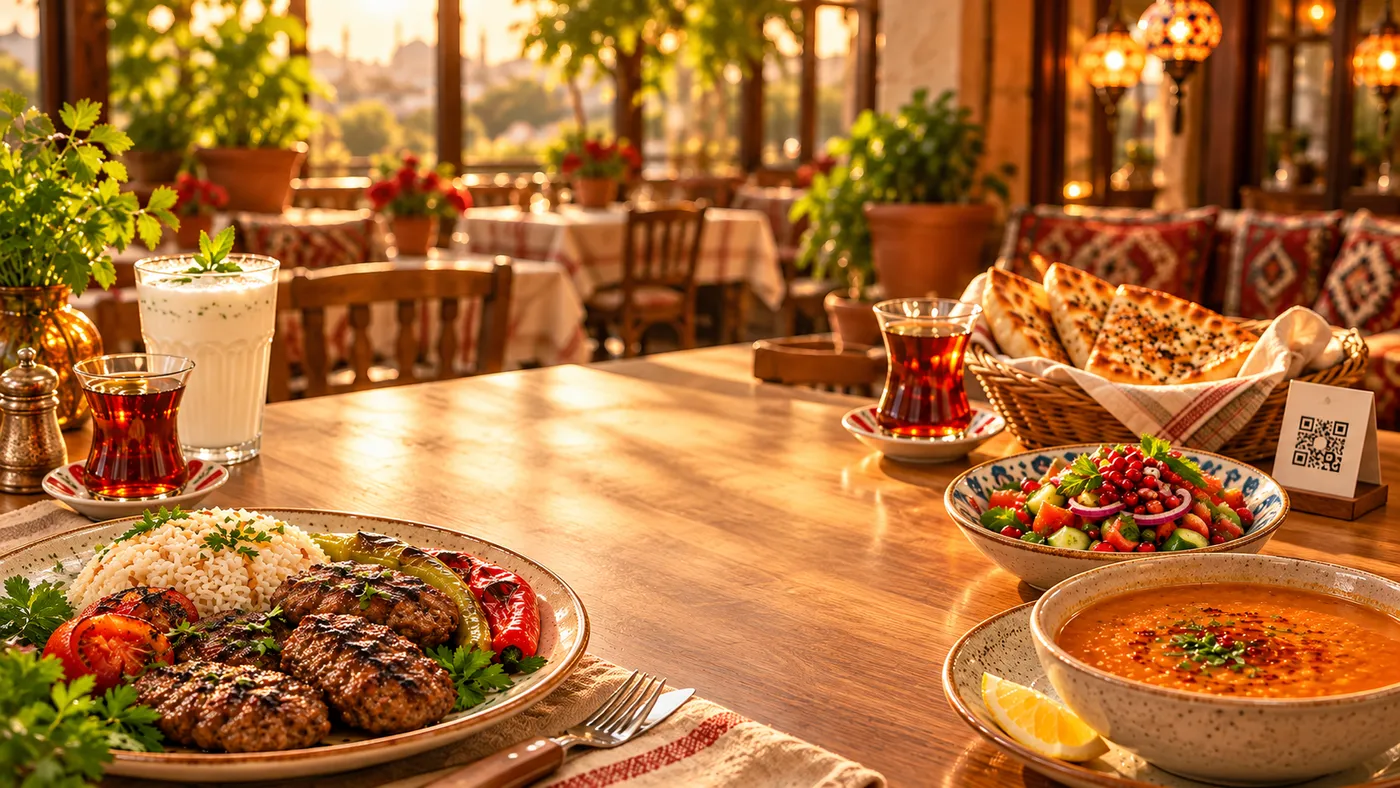

Faster service
Guests open the menu right away and send the order with one tap.
QR menu · order from the table · live status
Scan the QR code on the table and the menu opens in your language. Place your order, the waiter approves it, the kitchen prepares it — and you follow the status live on your phone.
No sign-up No ads Türkçe · English · العربية
For guests
No app needed: your phone camera is enough. If you prefer, scan with the BringMyMeal app.
Scan the code on the table with your phone camera or the BringMyMeal app.
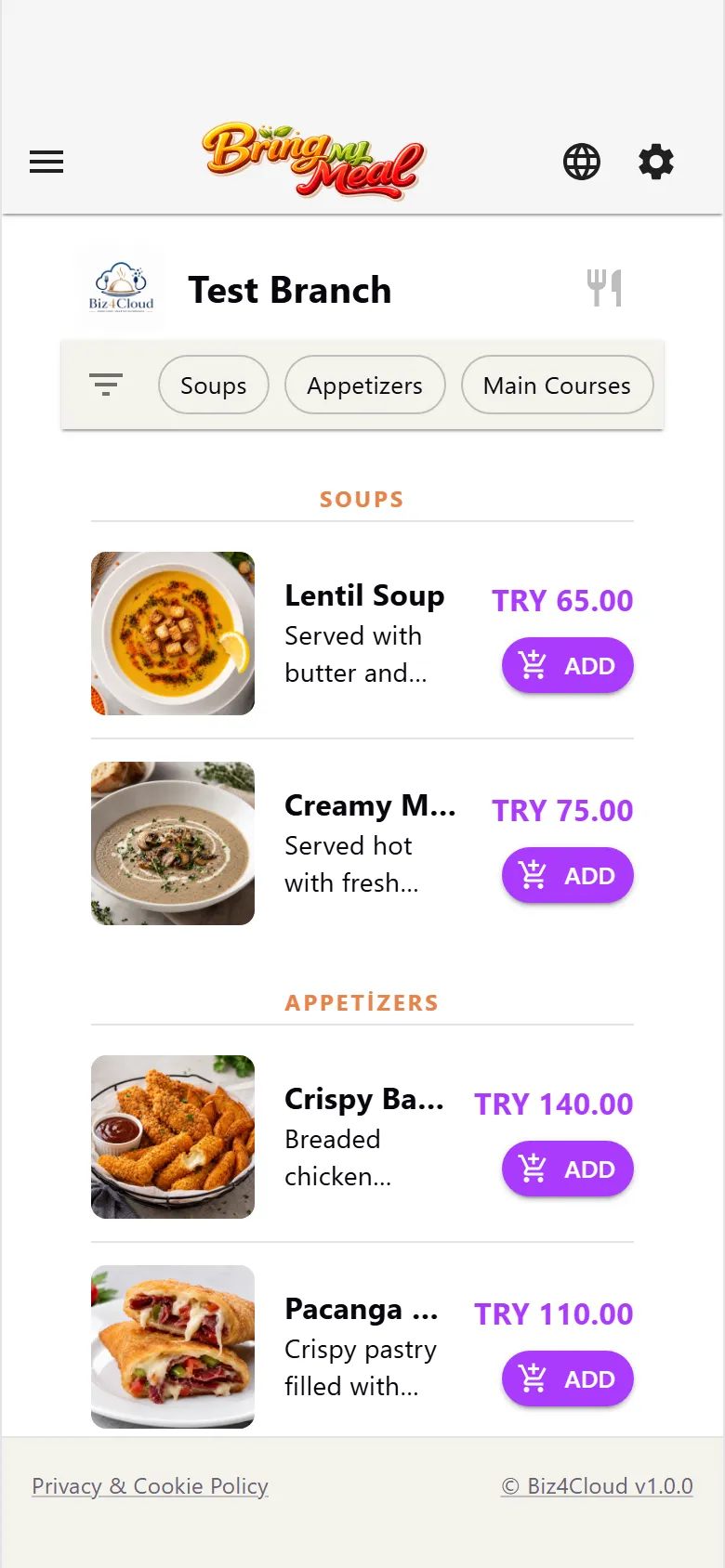
The menu with photos opens in Turkish, English or Arabic, with options and allergen information.
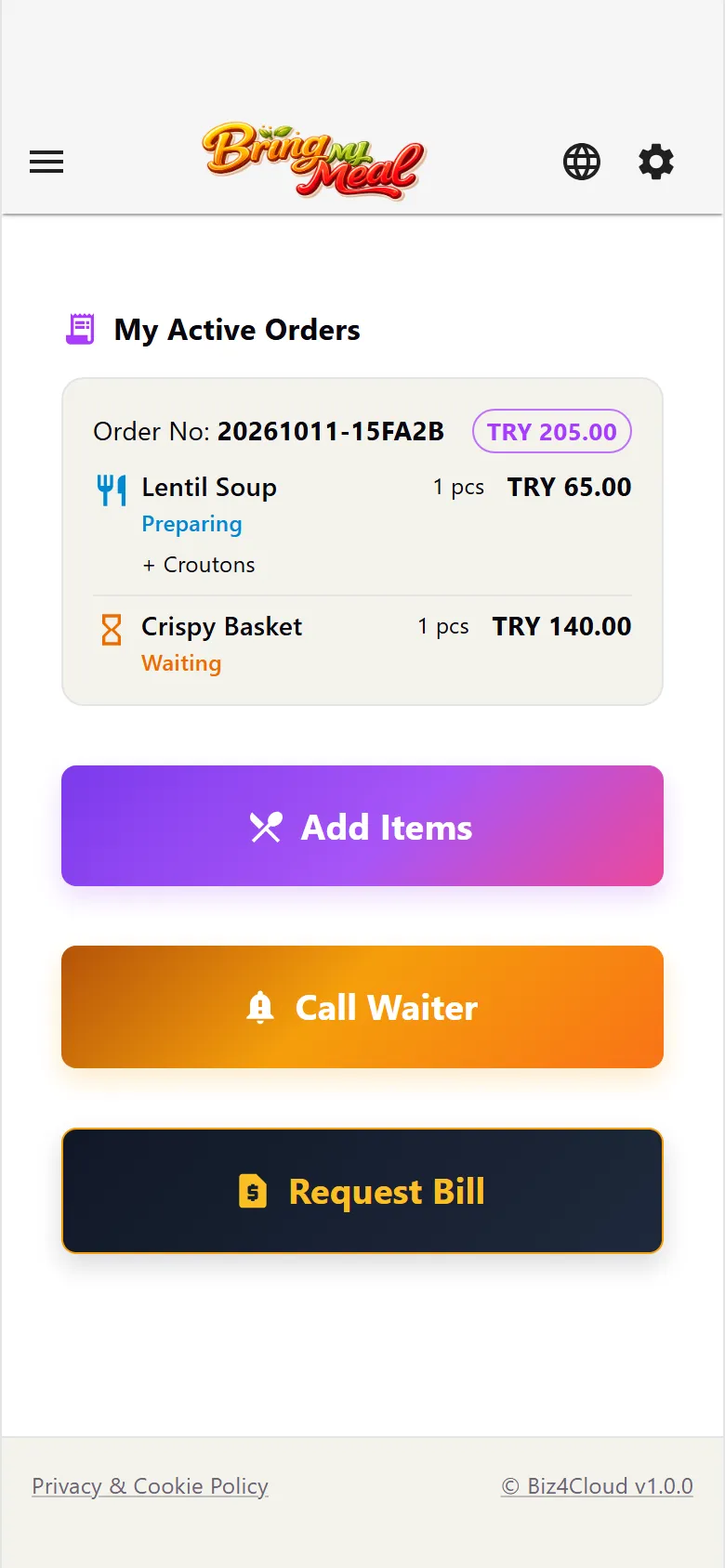
The waiter approves, the kitchen prepares: Waiting → Preparing → Ready → Served. You pay the waiter, alone or split.
For restaurants
Orders go straight to the right screen, so your waiters have time for your guests.
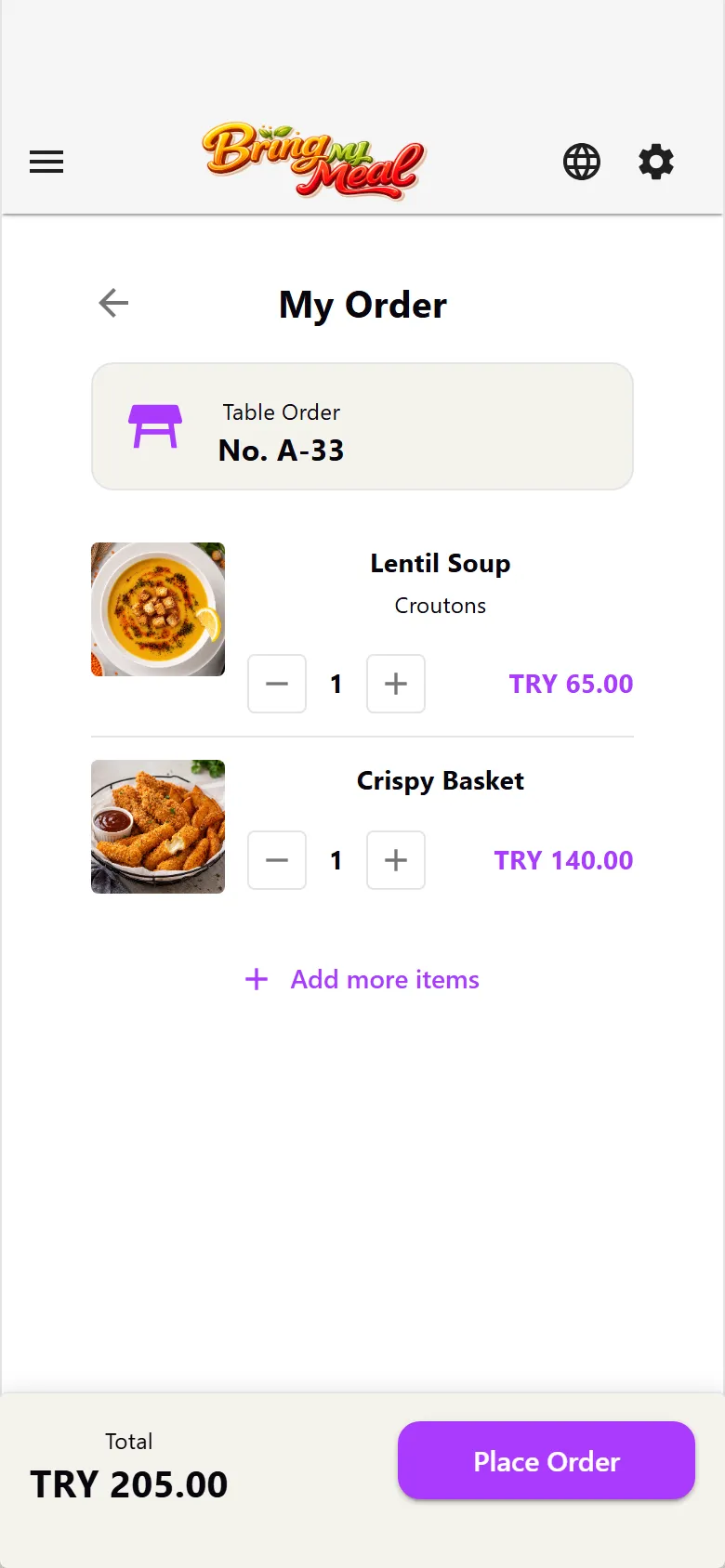
Guests open the menu right away and send the order with one tap.

Orders arrive in writing and the waiter approves them. Notes and options never get lost.

Food goes to the kitchen, drinks to the bar — each station only sees its own work.

Turkish, English, Arabic — visitors read the menu in their own language.
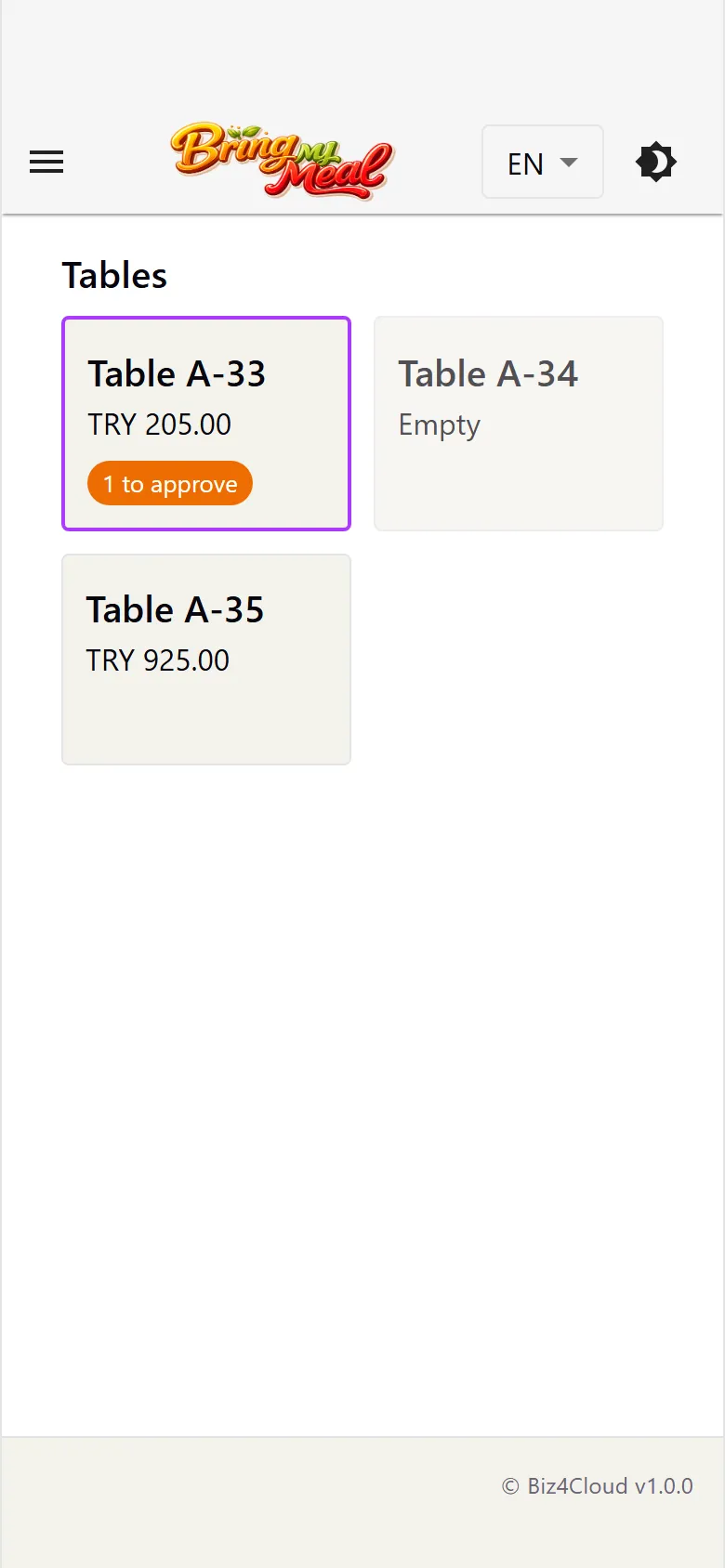
The guest app and the waiter app side by side.
Fill in the short application and we will call you. We set up your menu together and prepare your QR codes.