
For restaurants
Orders go from the table to the right screen.
QR menu, waiter-approved orders, kitchen and bar screens, a waiter app and a management panel — all in one system, without guests having to install anything.
What is inside
One flow from the dining room to the kitchen
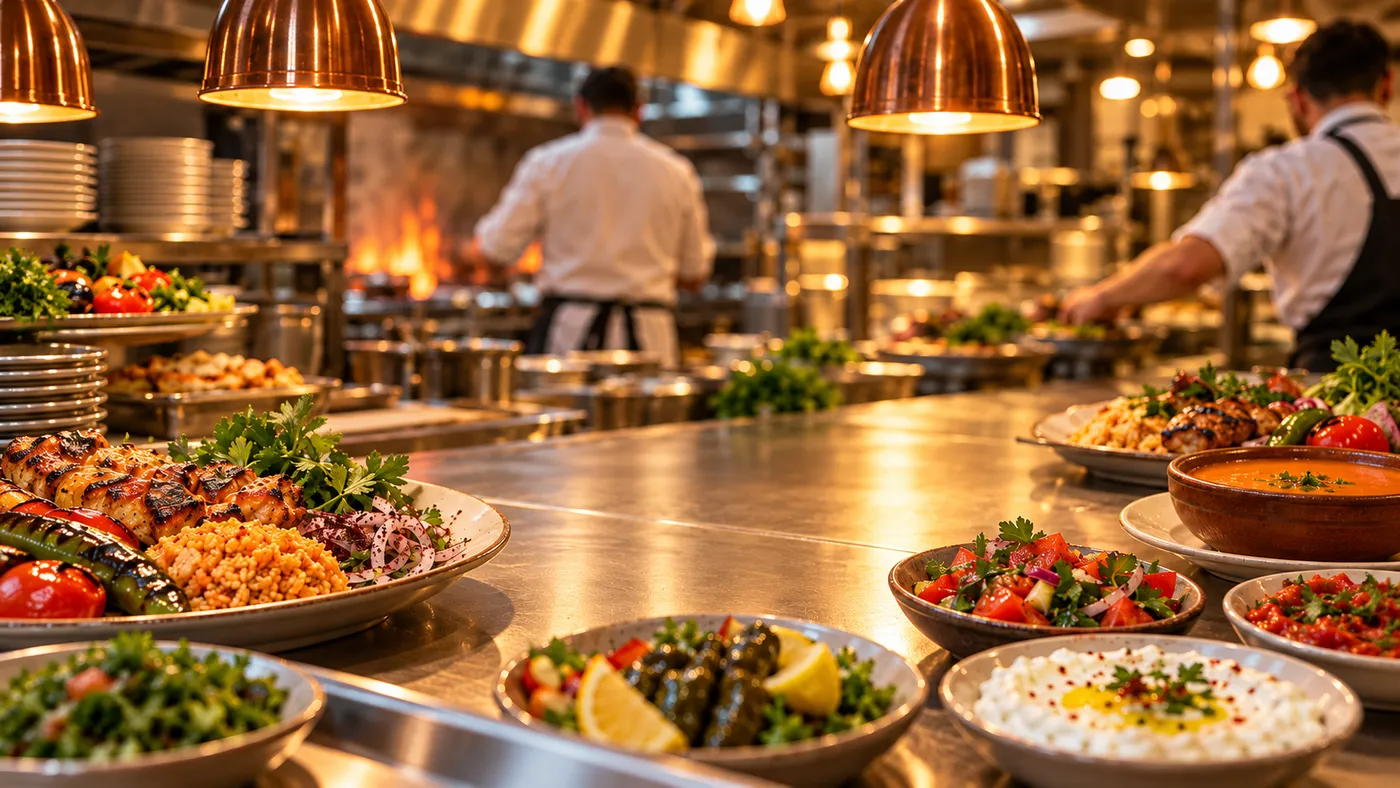
Everyone sees their own screen: guests the menu, waiters their tables, kitchen and bar their orders — and you see it all.

QR menu
A QR code for every table. The menu in Turkish, English and Arabic, with photos, options and allergen information.

Waiter-approved orders
A guest’s order reaches the waiter first. Once approved it goes to the kitchen and the bar, so wrong or prank orders never reach the kitchen.

Kitchen and bar screens
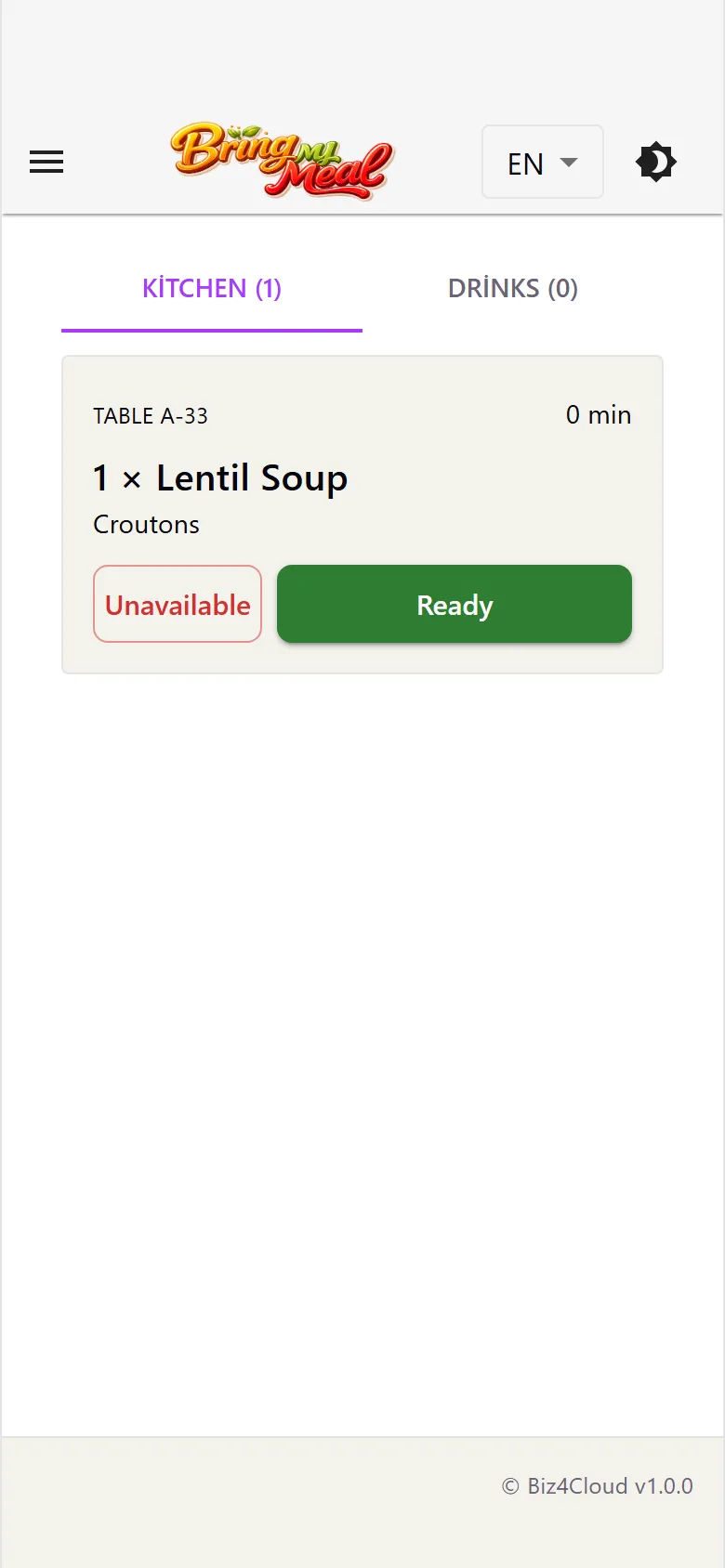
Food goes to the kitchen tab, drinks to the drinks tab, oldest order on top. Ready items are marked; an item that has run out goes back to the waiter as “unavailable”.

Waiter app
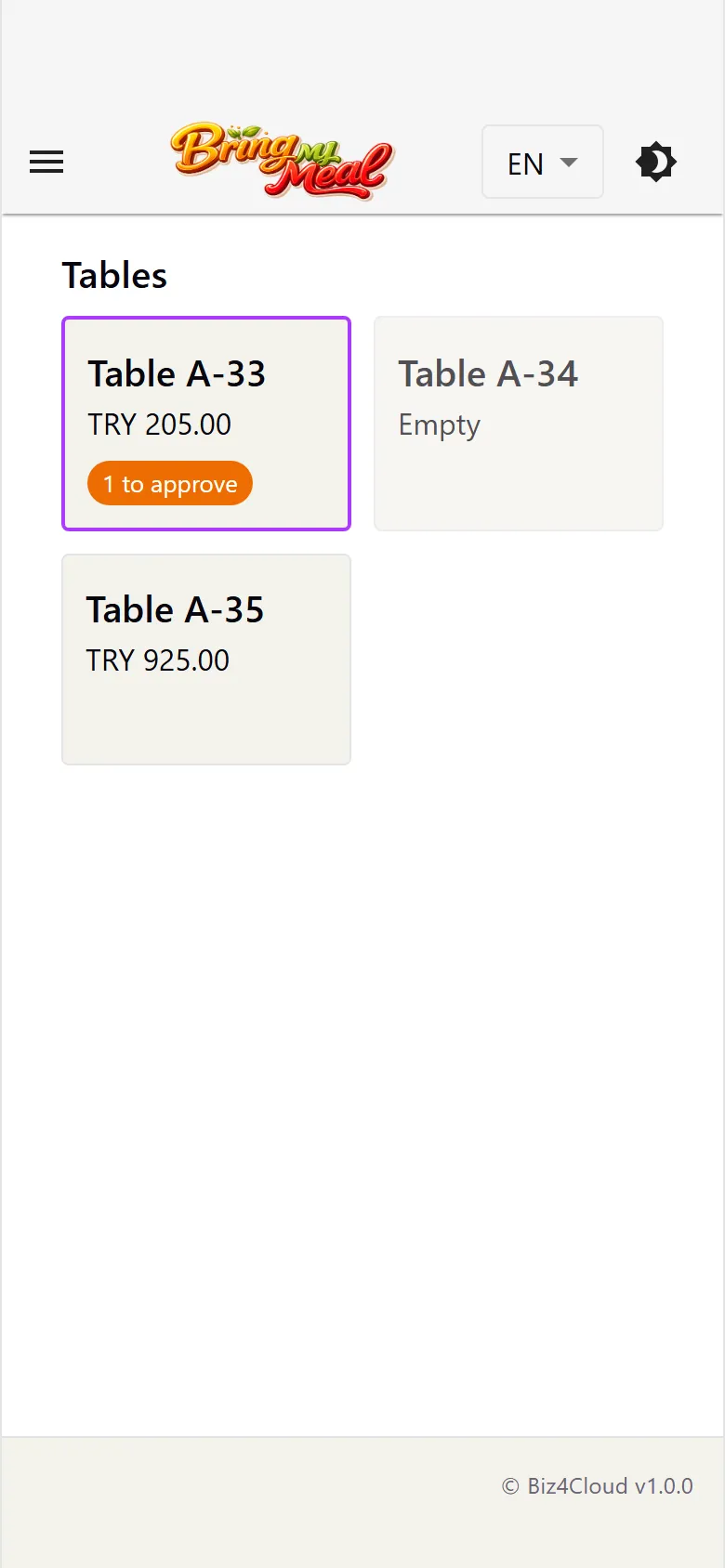
Every table at a glance: order approval, waiter calls and the bill — paid at once or split per person.

Management panel
Menu, branches, tables, staff and QR codes in one place. A menu change shows up on the guest’s phone right away.

Allergens
Allergen information on every item — guests see it without asking.

Split bill
There is no payment in the app: the bill is paid to the waiter, at once or per person.
Getting started
Five steps from application to first order
We set it up together with you. No hardware to buy — your waiters’ phones are enough.
Application
You fill in the short form.
Introductory call
We call you and learn how you work.
Menu set-up
Items, photos, options and allergens go into the panel.
QR codes
A QR code is created for every table and placed on it.
Live
Your staff install the app and the first orders arrive.
Frequently asked questions
Do guests need to download an app?
No. Scanning the QR code with the phone camera opens the menu in the browser. Guests who prefer can use the BringMyMeal app.
Is payment taken in the app?
No. The bill is paid to the waiter as usual, at once or split per person. There is no payment inside the app.
Which devices do we need?
An Android phone or iPhone for each waiter; for the kitchen and bar any device with a screen (tablet, phone or any screen that runs a browser).
Can we update the menu ourselves?
Yes. Change items, prices, photos, options and allergens in the management panel; the menu on the table updates right away.
How is it priced?
Pricing depends on the number of branches and tables. We share an offer for your restaurant in the call after your application.
Let’s bring your restaurant to BringMyMeal
Fill in the form and we will call you. We set it up together.